
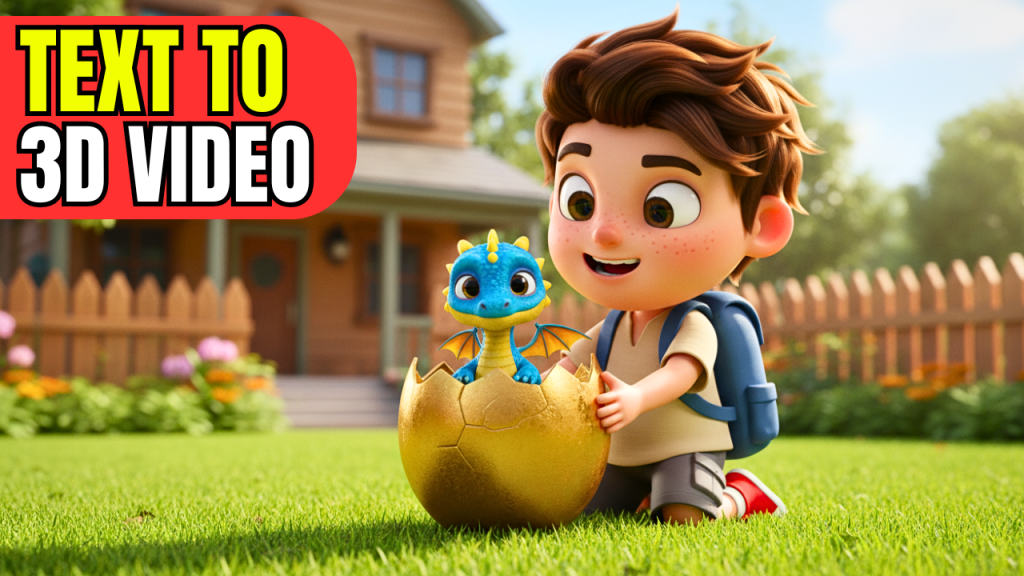
🎬 Have you ever wished you could create your own Pixar-style 3D animated videos without spending years learning animation or investing in expensive software? Thanks to the rise of AI-powered tools, it’s now possible to create stunning, story-driven animations with little to no prior experience.
In this article, I’ll walk you through the exact process of turning your ideas into a 3D animated short story using free AI tools — from designing your character to generating full animations, adding sound effects, and editing your final video.
Step 1: Create Your 3D Character
Every great story begins with a character. Instead of drawing or modeling from scratch, you can use Google FX Image Generator to bring your character idea to life. Simply paste a descriptive prompt (like “Pixar-style boy with a backpack”) and the tool will generate multiple character variations. Choose your favorite, and you’re ready for the next step.
Step 2: Generate Story Scenes with AI
Once you have your character, the next step is to place them into a story world. Google AI Studio (Nano Banana Model) is perfect for this. Upload your reference image and write short prompts like:
-
“Pixar-style boy finds a glowing egg in the jungle.”
-
“Boy running through the forest holding a golden egg.”
The magic of Nano Banana is that it keeps your character consistent across all scenes, which is something most AI image generators fail to do.
Step 3: Animate Your Scenes
Still images are good, but animated clips are better. That’s where Hailuo AI comes in. It allows you to upload a start frame and an end frame, then generate smooth animation between them. You can also add an action prompt like “boy walking forward holding a glowing egg” to bring motion into your scene.
Currently, Hailuo AI offers a 7-day free trial, so it’s the best time to experiment with it.
Step 4: Add Sound Effects
No animation feels complete without sound. MM Audio is an AI-powered sound effect generator that lets you upload your video and type in keywords like “dragon roar, jungle sounds, footsteps”. The tool then automatically syncs realistic sound effects to your clip.
This step is optional, but it adds a lot of depth and immersion to your final animation.
Step 5: Final Video Editing
Once you’ve generated your clips and sounds, it’s time to bring everything together with video editing. Tools like CapCut (free) or Filmora (paid) make it super easy to combine clips, add background music, transitions, and polish your final video.
Arrange your clips in order, match music to the mood of each scene, and insert sound effects for maximum impact.
Conclusion
By combining these free AI tools, you can create your own 3D animated short film — even if you have zero prior experience in animation. From character design to scene generation, animation, sound, and editing, every part of the process is now possible with AI.
This isn’t just a tutorial; it’s the future of storytelling.
AI Tools Mentioned in This Article
-
Google FX Image Generator – https://labs.google/fx/tools/image-fx
-
Google AI Studio (Nano Banana Model) – https://aistudio.google.com
-
Hailuo AI (Image to Video) – https://hailuoai.com
-
MM Audio (AI Sound Effects Generator) – mmaudio
-
CapCut (Video Editor) – https://www.capcut.com
-
Filmora (Video Editor Alternative) – https://filmora.wondershare.com